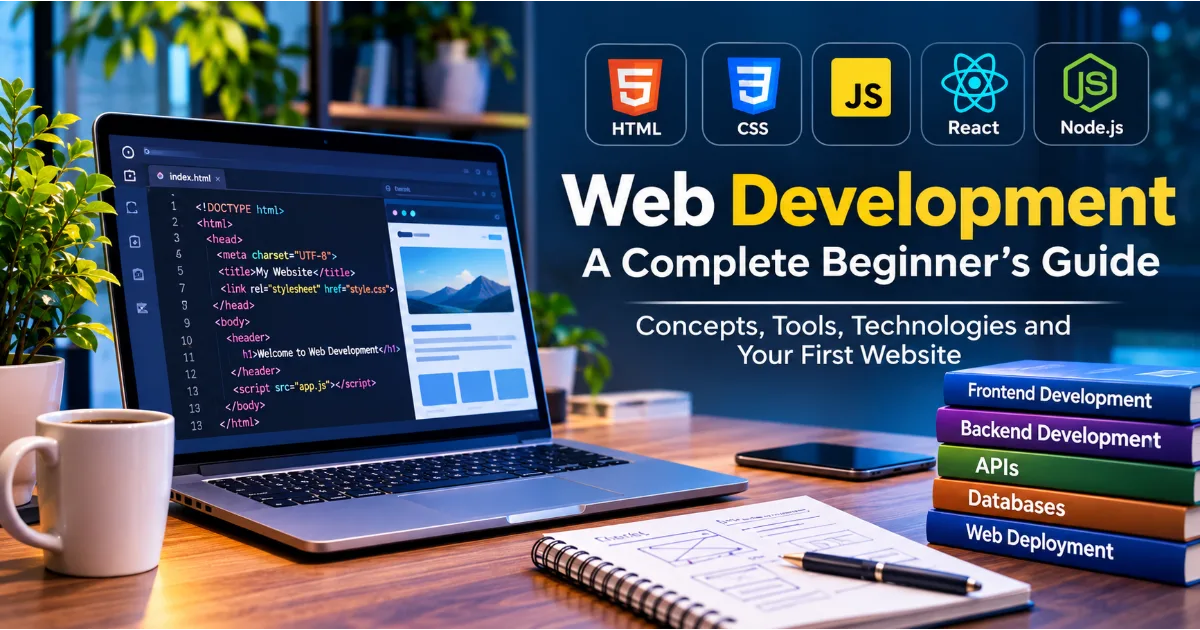
Introduction to Web Development
The internet has transformed the way people communicate, learn, work, shop, conduct business, and access information. Almost every modern industry depends on websites and web-based applications to deliver services, connect with customers, manage operations, and create new business opportunities. From a simple personal blog to a sophisticated banking platform, online marketplace, educational portal, or enterprise management system, websites have become an essential part of the digital world.
Behind every website is a combination of technologies, programming languages, frameworks, databases, servers, and development practices that work together to deliver information and functionality to users. This entire process is broadly known as web development.
Web development is the process of designing, building, programming, testing, deploying, and maintaining websites and web applications. It involves creating the visual elements users interact with, developing the underlying functionality, managing information, connecting external services, and ensuring that everything works reliably across different devices and browsers.
For beginners, web development can initially appear complicated because it includes several different technologies and specializations. However, understanding its fundamental concepts makes the learning process much easier. Most websites are built using a relatively small set of foundational technologies, including HTML, CSS, JavaScript, server-side programming languages, databases, and web servers.
Continue Reading
This guide introduces the essential concepts of web development, explains the difference between frontend and backend development, explores important programming languages and frameworks, and provides a practical roadmap for building your first website. Whether you are a student, aspiring developer, business owner, technology enthusiast, or professional planning to enter the software industry, understanding these fundamentals can help you make informed decisions about your learning journey.
What Is Web Development?
Web development refers to the creation and maintenance of websites and web applications that operate through internet browsers or other web-connected environments. It includes everything required to transform an idea, business requirement, or user need into a functioning digital product.
A website may contain static information, such as company details, service descriptions, and contact information. A web application may provide more advanced functionality, such as account registration, online payments, document management, messaging, booking systems, dashboards, and real-time notifications.
For example, consider an online shopping website. Customers can browse products, search for items, add products to their shopping carts, create accounts, complete payments, and track orders. Each feature requires different components to work together. The product pages and shopping interface are displayed through frontend technologies, while account authentication, inventory management, payment processing, and order handling depend on backend functionality and external services.
Web development therefore involves much more than writing code that appears on a screen. Developers must understand how information moves between users, browsers, application servers, databases, and third-party services.
The primary objective is to create a website or application that is functional, accessible, secure, responsive, reliable, and easy to use. Good web development also considers future maintenance, scalability, performance, and the ability to introduce additional features without rebuilding the entire system.
How Does a Website Work?
Understanding how a website works is one of the most important starting points for learning web development. When someone enters a website address into a browser, several technical processes take place before the requested page appears.
A website is generally accessed through a domain name, such as example.com. The domain name provides a human-readable address for reaching a server that hosts the website. The Domain Name System, commonly called DNS, helps translate that domain name into an IP address associated with the destination server.
After the browser identifies the server, it establishes a connection and sends an HTTP or HTTPS request. HTTPS uses encryption through TLS to protect information exchanged between the browser and server.
The web server or application infrastructure receives the request and determines what information or functionality is needed. For a static page, the server may return an existing HTML document, stylesheet, JavaScript file, and associated images. For a dynamic application, the server may execute application code, retrieve information from a database, communicate with another service, and generate a response.
The browser then processes the returned resources. HTML provides the document structure, CSS controls presentation and layout, and JavaScript can introduce interactive behavior. The browser combines these elements to display the final page.
Consider a user opening a news website. The browser requests the homepage, the server returns the required resources, and the browser displays headlines, images, navigation menus, and article summaries. When the user clicks an article, another request retrieves the selected content.
This process happens continuously whenever users navigate through a website, submit forms, search for information, or interact with application features.
Understanding Frontend Development
Frontend development refers to the part of a website or web application that users can directly see and interact with. It is sometimes called client-side development because much of its functionality executes within the user's browser.
The frontend determines how a website looks, how information is organized, how navigation works, and how users interact with different features. It includes page layouts, menus, buttons, forms, images, animations, responsive elements, and interactive components.
For example, when someone visits a registration page, the frontend displays fields for entering a name, email address, and password. It may also validate input, display error messages, show password visibility controls, and provide feedback when the form is submitted.
Frontend developers work with several technologies, but HTML, CSS, and JavaScript form the foundation of modern frontend development.
HTML: The Structure of a Website
HTML stands for HyperText Markup Language. It defines the structure and meaning of content displayed on a web page.
HTML is not a conventional programming language. Instead, it is a markup language that uses elements and tags to organize content. These elements tell the browser whether particular content represents a heading, paragraph, image, link, list, navigation section, form, or other component.
For example:
<!DOCTYPE html>
<html>
<head>
    <title>My First Website</title>
</head>
<body>
    <h1>Welcome to My Website</h1>
    <p>This is my first web page.</p>
    <a href="about.html">Learn More</a>
</body>
</html>
In this example, the HTML document defines a page title, a main heading, a paragraph, and a clickable link.
HTML also supports semantic elements such as header, nav, main, section, article, aside, and footer. These elements communicate the purpose of different sections and help improve accessibility, maintainability, and search engine understanding.
Anyone starting web development should learn HTML before moving into advanced frameworks or application architecture.
CSS: Designing and Styling Web Pages
CSS stands for Cascading Style Sheets. It controls how HTML elements appear on a screen.
While HTML defines the structure of a page, CSS determines its visual presentation. Developers use CSS to control colors, fonts, spacing, borders, backgrounds, positioning, alignment, animations, and responsive layouts.
For example, a simple heading can be styled using:
h1 {
    color: #174ea6;
    font-size: 36px;
    text-align: center;
}
This CSS rule changes the heading's color, font size, and alignment.
Modern CSS provides powerful layout systems, including Flexbox and CSS Grid. Flexbox is particularly useful for arranging elements along a single dimension, while CSS Grid supports more complex two-dimensional layouts.
CSS media queries help developers create responsive websites that adapt to different screen sizes. A page can display a multi-column layout on a desktop while presenting the same content in a single column on a mobile device.
Learning CSS is essential because users expect websites to be visually appealing, readable, consistent, and easy to navigate across devices.
JavaScript: Adding Interactivity
JavaScript is a programming language that makes websites interactive and dynamic. It can respond to user actions, manipulate page content, validate forms, retrieve information from servers, and manage application behavior.
For example, JavaScript can display a message when someone clicks a button:
const button = document.querySelector("#myButton");

button.addEventListener("click", function () {
    alert("Welcome to my website!");
});
JavaScript is also used to create interactive menus, image galleries, search suggestions, form validation, shopping carts, dashboards, and real-time interfaces.
One of its most important capabilities is communicating with servers without requiring the entire page to reload. Developers commonly use the Fetch API to request information from backend systems and update the interface based on the response.
JavaScript has expanded beyond browser development. Through environments such as Node.js, developers can also use it for backend programming, automation, and development tools.
Understanding Backend Development
Backend development focuses on the server-side functionality that powers websites and web applications. Unlike the frontend, backend components are generally not directly visible to users.
The backend processes requests, applies business rules, authenticates users, manages information, communicates with databases, and coordinates different services.
Consider an online banking application. The frontend provides the login screen and account dashboard. However, verifying login credentials, retrieving account information, processing authorized transactions, and maintaining transaction records require backend functionality.
Backend development typically involves three major components: application logic, databases, and server infrastructure.
Server-Side Programming Languages
Backend developers use programming languages to implement application logic and process requests. Different languages offer different ecosystems, libraries, performance characteristics, and development approaches.
Python is widely used for web applications, automation, data processing, and artificial intelligence integrations. Frameworks such as Django and Flask help developers build server-side applications.
JavaScript can be used on the backend through Node.js. It allows developers to use JavaScript across frontend and backend environments and is popular for APIs, real-time applications, and scalable services.
PHP remains widely used in website development, particularly in content management systems and established web platforms. It is also supported by frameworks such as Laravel.
Java is commonly used in enterprise applications, large-scale business systems, financial services, and backend architectures requiring established development ecosystems.
C# is frequently used with Microsoft's ASP.NET Core framework to build web applications, APIs, and enterprise software.
Other languages, including Ruby and Go, are also used in backend development depending on project requirements.
There is no single programming language that is best for every website. Developers should select technologies based on project complexity, performance needs, team expertise, integration requirements, and long-term maintenance.
Databases: Managing Website Information
Most modern web applications need to store and retrieve information. Databases provide an organized way to manage this information.
For example, an online shopping application may store customer details, product information, inventory, orders, payments, and delivery records. A learning platform may store student accounts, courses, lessons, assessments, and progress.
Databases are generally divided into relational and non-relational categories.
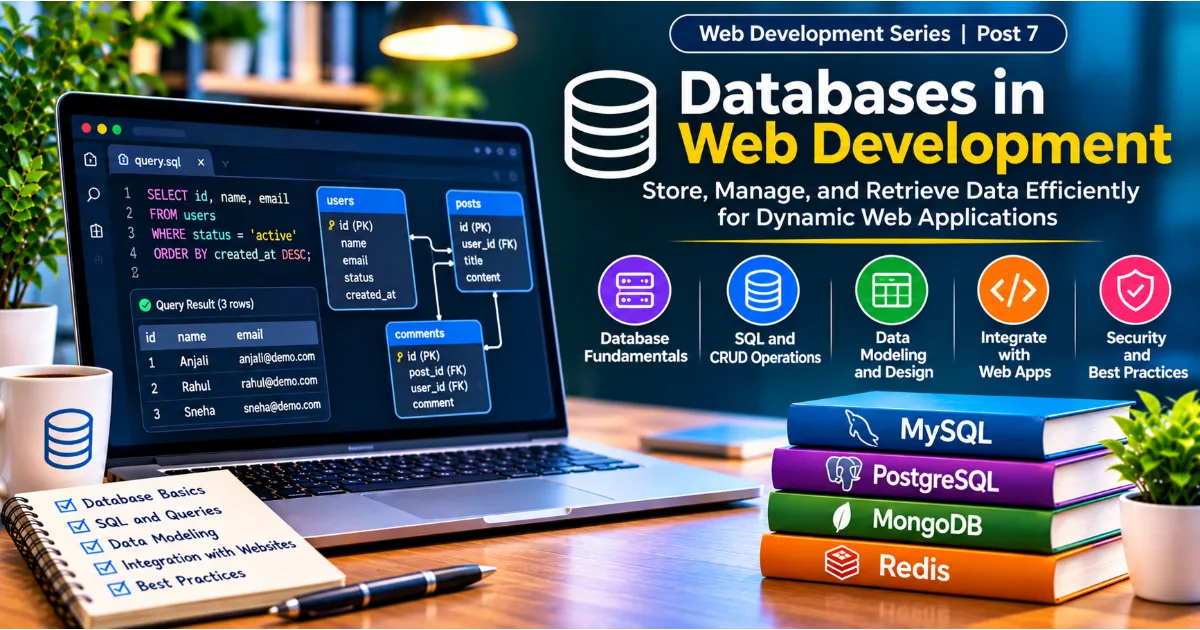
Relational databases organize information into tables containing rows and columns. They commonly use SQL, or Structured Query Language, to retrieve, insert, update, and delete records.
Popular relational database systems include MySQL, PostgreSQL, Microsoft SQL Server, and SQLite.
A simplified SQL query might look like:
SELECT name, email
FROM customers
WHERE status = 'active';
This query retrieves the names and email addresses of customers whose status is active.
Non-relational databases, often called NoSQL databases, use different data models. They may store information as documents, key-value pairs, graphs, or wide-column records.
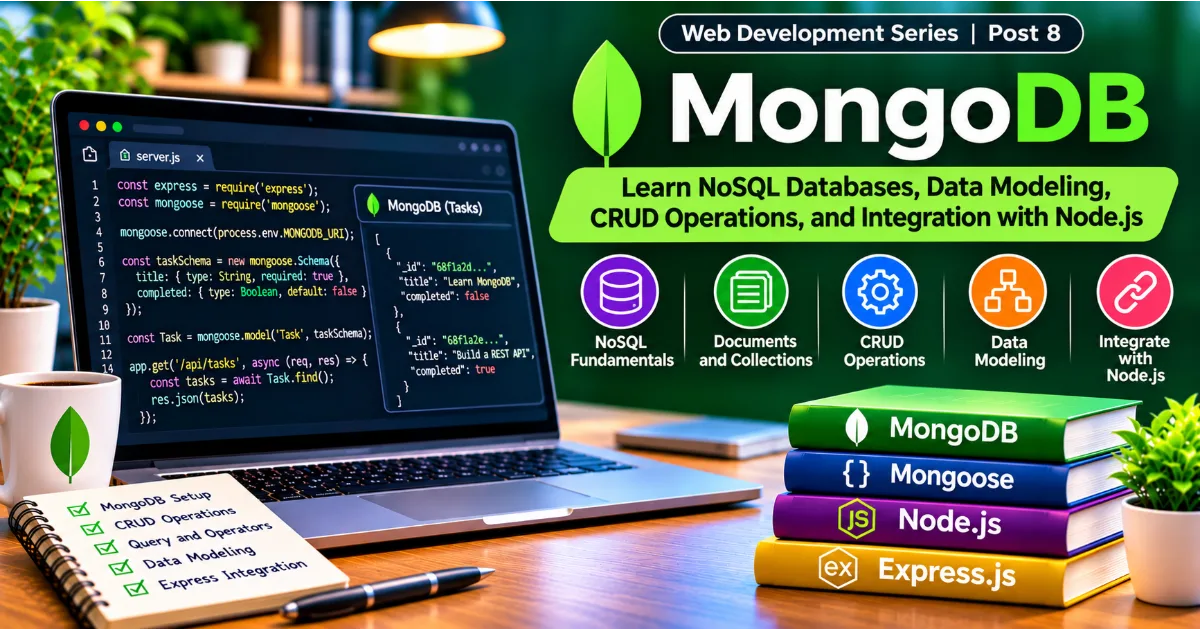
MongoDB is a popular document-oriented database. Redis is frequently used for caching and fast key-value operations.
The choice of database depends on the structure of information, query requirements, consistency needs, scalability, and application architecture.
What Is Full Stack Development?
Full stack development combines frontend and backend development. A full stack developer works across the different layers required to build and maintain a complete web application.
This may include designing the user interface, developing frontend components, creating server-side functionality, connecting databases, integrating APIs, implementing authentication, and preparing applications for deployment.
For example, consider building a task management application. A full stack developer may create a dashboard using React, implement server-side operations using Node.js, store tasks in PostgreSQL, and expose application functionality through REST APIs.
Full stack development does not necessarily mean that one person must be an expert in every technology. It means understanding how the different application layers work together and being capable of contributing across them.
For beginners, learning frontend fundamentals before progressing into backend technologies is often a practical approach. It allows developers to understand how users interact with applications before learning how those interactions are processed and stored.
Understanding APIs in Web Development
An API, or Application Programming Interface, provides a defined way for different software systems to communicate with each other.
In web development, APIs allow frontend applications, backend services, mobile applications, and external platforms to exchange information.
Consider a weather application. The frontend displays the current temperature, weather conditions, and forecast. Instead of collecting weather information independently, the application can communicate with a weather service through an API.
The API receives a request, processes it, and returns information in a structured format, commonly JSON.
For example:
{
    "city": "Bengaluru",
    "temperature": 28,
    "condition": "Cloudy"
}
The frontend can process this response and display the information in a user-friendly format.
Common Types of Web APIs
REST APIs are widely used in web development. They commonly use HTTP methods such as GET, POST, PUT, PATCH, and DELETE to retrieve or modify resources.
GraphQL provides an alternative approach in which clients can request specific fields of information through a structured query.
WebSocket connections support two-way communication between clients and servers. They are useful for chat applications, live notifications, collaborative tools, and real-time dashboards.
Developers should also understand API authentication, authorization, request validation, response codes, rate limiting, error handling, and data security.
APIs are especially important when integrating payment gateways, maps, email services, authentication providers, analytics systems, and third-party business platforms.
Popular Web Development Frameworks and Libraries
As websites and applications become more complex, developers often use frameworks and libraries to organize code, reuse components, and reduce repetitive development work.
A framework generally provides a structured approach to building applications, while a library provides reusable functionality that developers can incorporate into their projects. The exact distinction depends on the technology and its ecosystem.
React
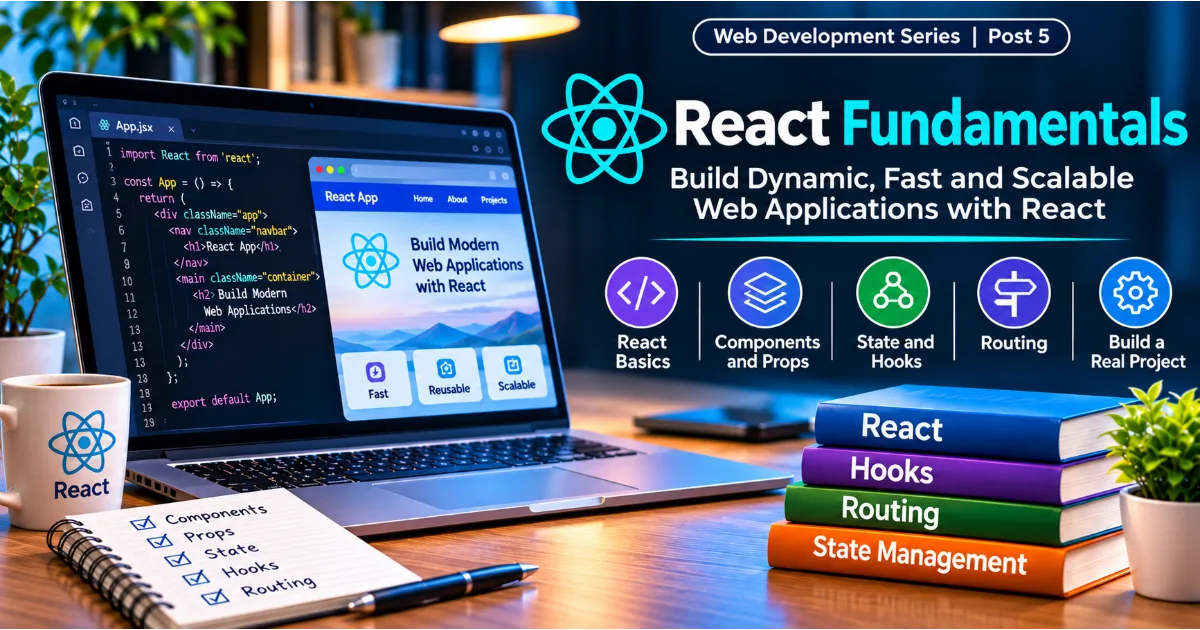
React is a JavaScript library used to build user interfaces. It encourages developers to create reusable components that represent individual parts of an application.
For example, a shopping website may contain reusable product cards, navigation bars, search fields, buttons, and checkout components.
React is widely used for interactive applications and supports a large ecosystem of development tools and libraries.
Angular
Angular is a comprehensive web application framework developed by Google. It provides a structured approach to building large frontend applications.
It includes features such as components, dependency injection, routing, forms, and application services. Angular is commonly used in enterprise development environments.
Vue.js
Vue.js is a progressive JavaScript framework designed to make interface development approachable and flexible.
It can be introduced into smaller existing projects or used to develop complete applications. Its component-based architecture makes it useful for creating reusable interface elements.
Node.js and Express
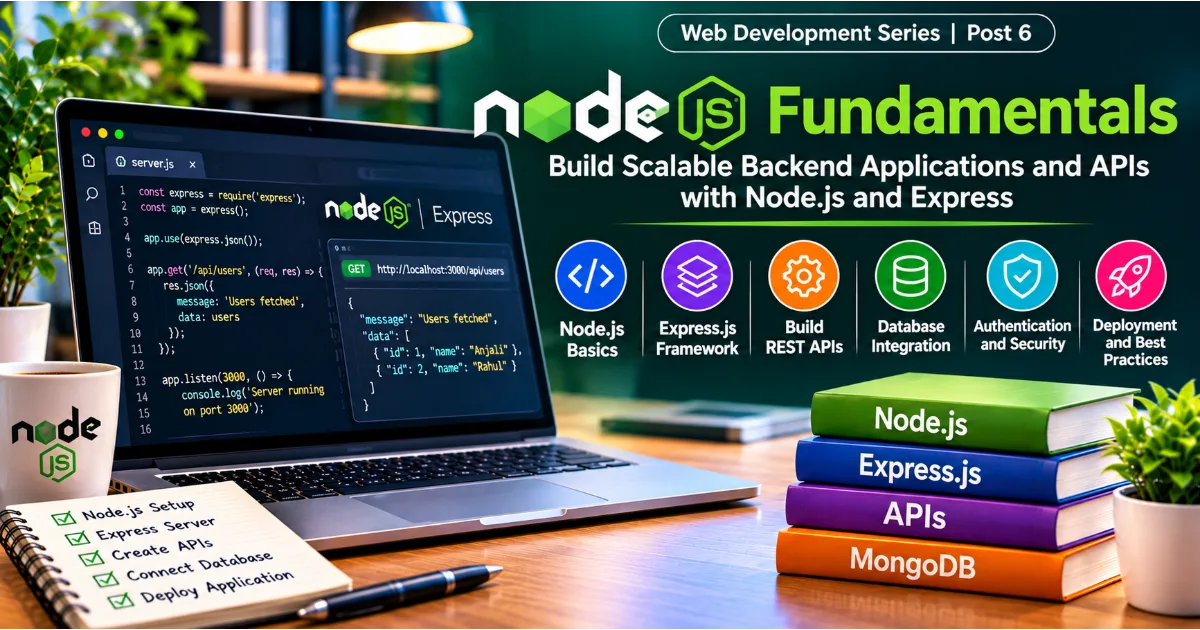
Node.js is a JavaScript runtime that allows JavaScript code to execute outside the browser. It is frequently used for backend development.
Express is a lightweight web framework commonly used with Node.js to build APIs and web servers.
Together, these technologies can support applications that use JavaScript on both the frontend and backend.
Django and Laravel
Django is a Python web framework that provides features for building secure and maintainable web applications. It includes an object-relational mapper, administrative interface, authentication capabilities, and other development facilities.
Laravel is a PHP framework that offers structured application development, routing, database management, authentication support, and reusable development tools.
The right framework depends on the project's requirements, developer experience, ecosystem, performance considerations, and maintenance expectations.
Essential Tools Used by Web Developers
Web development involves more than programming languages. Developers use specialized tools to write, test, debug, organize, and deploy applications.
A code editor or integrated development environment provides an environment for writing and managing source code. Visual Studio Code is widely used because of its extensions, debugging features, integrated terminal, and support for multiple programming languages.
Web browsers such as Chrome, Firefox, Safari, and Edge help developers test applications. Their developer tools provide facilities for inspecting HTML, examining CSS, monitoring network requests, debugging JavaScript, and measuring performance.
Git is a version control system that tracks changes in source code. It allows developers to maintain project history, work on different branches, and collaborate with other programmers.
GitHub, GitLab, and Bitbucket provide platforms for hosting repositories and collaborating on software projects.
Package managers such as npm and pnpm help developers install and manage project dependencies. These tools are particularly useful in JavaScript development.
API testing tools such as Postman and Insomnia help developers send requests, inspect responses, and test backend endpoints.
Other important tools include browser automation systems, testing frameworks, database management applications, container platforms, and continuous integration services.
Learning how to use these tools effectively improves development productivity and makes collaborative projects easier to manage.
Static Websites and Dynamic Web Applications
Not every website requires the same level of functionality. Understanding the difference between static websites and dynamic web applications helps developers select an appropriate architecture.
A static website generally serves pages whose content is stored in predefined files. These websites can be built using HTML, CSS, and JavaScript without requiring a traditional application backend for every page request.
Personal portfolios, documentation pages, landing pages, and simple informational websites are common examples.
Static websites are often relatively easy to host, can load quickly when optimized, and may require less infrastructure.
Dynamic websites generate or retrieve content based on user requests, application logic, or stored information.
For example, a social networking platform displays personalized feeds, user profiles, notifications, and messages. Different users see different information based on their accounts and activities.
Dynamic applications generally require additional infrastructure, such as backend services, databases, authentication systems, and APIs.
Many modern websites combine both approaches. Static content can be delivered efficiently while dynamic features are powered by backend services.
Responsive Web Design and Mobile Compatibility
People access websites using smartphones, tablets, laptops, desktops, and other devices. A website should therefore adapt to different screen sizes and interaction methods.
Responsive web design is the practice of creating layouts that adjust according to the available screen space.
A desktop website may display a navigation bar, several content columns, and a sidebar. On a mobile screen, the same layout may change into a compact navigation menu and a single content column.
Developers use flexible layouts, CSS Grid, Flexbox, relative units, and media queries to achieve responsive behavior.
For example:
@media (max-width: 768px) {
    .container {
        grid-template-columns: 1fr;
    }
}
This example changes a grid layout to a single column when the viewport width reaches the specified breakpoint.
Responsive development should also consider readable font sizes, touch-friendly buttons, accessible forms, optimized images, and appropriate spacing.
Testing on multiple devices and browser sizes is important because a website that works correctly on a desktop may still contain usability problems on smaller screens.
Website Security: An Essential Part of Development
Security should be considered throughout the web development process rather than added only after an application has been completed.
Web applications may process personal information, payment details, business records, login credentials, and confidential documents. Poor security practices can expose this information to unauthorized access or misuse.
One common security risk is SQL injection, in which an attacker attempts to manipulate database queries through untrusted input. Developers should use parameterized queries or properly designed database access methods instead of constructing unsafe SQL statements.
Cross-site scripting, commonly called XSS, occurs when untrusted content is executed as code in another user's browser. Proper output encoding, safe rendering practices, and content security policies can help reduce this risk.
Cross-site request forgery, or CSRF, involves tricking an authenticated user's browser into making an unwanted request. Appropriate CSRF protection and secure application design are important defenses.
Developers should also use HTTPS, securely store passwords with established password-hashing algorithms, validate input on the server, apply access controls, protect API credentials, and keep dependencies updated.
Authentication and authorization are different concepts. Authentication verifies who a user is, while authorization determines what that user is allowed to access.
For example, a user may successfully sign in to an administrative platform but should not automatically receive permission to access financial reports or manage other users. Access should be controlled according to assigned roles and permissions.
Security testing, dependency monitoring, logging, backups, and regular updates are important parts of maintaining a reliable application.
Website Performance and Optimization
Website performance directly affects user experience. Slow pages can frustrate visitors, increase abandonment, and make it difficult for users to complete important tasks.
Performance optimization begins with understanding what causes delays. Large images, unnecessary JavaScript, inefficient database queries, excessive network requests, and slow server responses can all affect loading speed.
Image optimization is one of the simplest ways to improve website performance. Developers can use modern formats such as WebP or AVIF where appropriate, resize images to match their display dimensions, and apply responsive image techniques.
Code optimization involves reducing unnecessary JavaScript, removing unused CSS, splitting application bundles, and loading non-critical resources when required.
Browser caching allows frequently used resources to be stored locally, reducing repeated network transfers. Content Delivery Networks distribute resources across geographically distributed servers to improve delivery speed.
Backend performance also matters. Developers should examine database queries, introduce suitable indexes, avoid unnecessary repeated operations, and use caching where appropriate.
Performance should be measured rather than judged only by appearance. Tools such as Lighthouse and browser performance panels help identify problems and suggest improvements.
Core Web Vitals provide useful measurements of loading performance, responsiveness, and visual stability. These metrics help developers understand how users experience a website in real-world conditions.
The Complete Website Development Process
Building a professional website involves several stages. Following a structured process helps developers reduce errors, manage expectations, and deliver a product that meets its intended purpose.
1. Requirement Analysis
The first step is understanding why the website is being built and who will use it.
A business website may need service pages, contact forms, customer testimonials, and lead generation features. An online marketplace may require user accounts, product listings, search functionality, payments, and order management.
Developers should identify the target audience, essential features, technical requirements, expected traffic, security needs, and project limitations.
2. Planning and Architecture
Once requirements are understood, the project needs a technical plan.
This includes deciding the website structure, selecting technologies, defining application components, designing database relationships, and identifying external integrations.
For larger applications, architecture decisions should consider maintainability, reliability, scalability, and deployment requirements.
3. UI and UX Design
User interface design focuses on how the website looks, while user experience design considers how effectively users can complete their tasks.
Designers create layouts, navigation structures, page prototypes, and visual systems. They consider typography, colors, spacing, accessibility, consistency, and responsive behavior.
A well-designed website should make important actions easy to find and understand.
4. Frontend Development
Frontend developers translate approved designs into functional web interfaces using HTML, CSS, JavaScript, and suitable frameworks.
They create reusable components, implement navigation, connect forms, handle user interactions, and ensure that the website works across different devices and browsers.
5. Backend Development
Backend developers implement application logic, database operations, authentication, authorization, and API endpoints.
They ensure that requests are processed correctly and that the application responds reliably to different user actions.
6. Database Integration
The database is connected to the application so that information can be stored, retrieved, updated, and deleted.
Developers define data models, establish relationships, apply validation, and consider backup and recovery requirements.
7. Testing and Quality Assurance
Testing helps identify defects before users encounter them.
Functional testing verifies that features work as expected. Integration testing checks communication between application components. Security testing examines potential vulnerabilities. Performance testing evaluates behavior under different workloads.
Compatibility testing checks whether the application works across supported browsers and devices.
8. Deployment
Deployment makes the website available to users through hosting infrastructure.
The process may involve configuring servers, databases, domain names, DNS records, HTTPS certificates, environment variables, and deployment pipelines.
After deployment, developers should verify that the production environment works correctly.
9. Maintenance and Continuous Improvement
A website requires ongoing maintenance. Developers monitor errors, update dependencies, improve performance, fix security issues, and introduce new functionality.
User feedback and application analytics can help identify areas that need improvement.
Building Your First Website: A Practical Example
The best way to learn web development is to combine theoretical knowledge with practical exercises. Instead of trying to understand every framework immediately, beginners should start with a small project.
A personal portfolio website is a useful first project because it introduces important web development concepts without requiring a complicated backend.
The website can contain a homepage, an introduction, a skills section, a projects section, and a contact section.
Start by creating a project folder named my-first-website. Inside it, create three files: index.html, style.css, and script.js.
The HTML file defines the structure:
<!DOCTYPE html>
<html lang="en">
<head>
    <meta charset="UTF-8">
    <meta name="viewport"
          content="width=device-width, initial-scale=1.0">
    <title>My Portfolio</title>
    <link rel="stylesheet" href="style.css">
</head>
<body>
    <header>
        <h1>Welcome to My Portfolio</h1>
        <p>I am learning web development.</p>
    </header>

    <main>
        <section>
            <h2>About Me</h2>
            <p>
                I enjoy learning programming
                and building websites.
            </p>
        </section>

        <button id="welcomeButton">
            Click Here
        </button>
    </main>

    <script src="script.js"></script>
</body>
</html>
The CSS file adds presentation:
body {
    font-family: Arial, sans-serif;
    margin: 0;
    padding: 40px;
    background: #f4f6fa;
    color: #222;
}

header {
    text-align: center;
    padding: 30px;
    background: #174ea6;
    color: white;
    border-radius: 10px;
}

button {
    padding: 12px 20px;
    background: #174ea6;
    color: white;
    border: none;
    border-radius: 6px;
    cursor: pointer;
}
The JavaScript file introduces interaction:
document
    .getElementById("welcomeButton")
    .addEventListener("click", function () {
        alert("You have created your first website!");
    });
Open the HTML file in a browser to see the result. You now have a simple website with structured content, visual styling, and interactive behavior.
This project demonstrates how HTML, CSS, and JavaScript work together. From here, you can add navigation menus, additional pages, responsive layouts, project cards, and a working contact form connected to a backend service.
The objective is not to create a sophisticated application immediately. It is to understand each technology, experiment with it, and gradually build more complex features.
Common Mistakes Beginners Should Avoid
One common mistake is trying to learn several programming languages and frameworks simultaneously. Beginners may start learning HTML, CSS, JavaScript, React, Angular, Python, PHP, and Node.js without developing a strong understanding of any of them.
A more effective approach is to build foundational knowledge first and introduce additional technologies when a project requires them.
Another mistake is focusing only on watching tutorials without writing code independently. Watching someone build a website can create the impression of understanding, but practical development requires solving problems without copying every instruction.
Beginners should also avoid ignoring browser developer tools. These tools help identify layout problems, JavaScript errors, failed requests, and other technical issues.
Poor code organization is another challenge. Writing an entire application in a single file may seem convenient initially, but it becomes difficult to maintain as the project grows. Developers should learn to organize files, reuse components, separate responsibilities, and maintain readable code.
Security should never be postponed. Even small projects should follow sensible practices such as validating input, protecting credentials, and avoiding unsafe handling of user-generated content.
Finally, beginners should not assume that learning a framework automatically makes them good developers. Frameworks change, but fundamental concepts such as HTTP, HTML, CSS, JavaScript, databases, APIs, and software design remain valuable across technologies.
Career Opportunities in Web Development
Web development offers multiple career opportunities because businesses across industries need websites, digital products, and web-based services.
A frontend developer focuses on user interfaces, browser behavior, responsive design, and client-side functionality. This role commonly involves HTML, CSS, JavaScript, and frontend frameworks.
A backend developer works with application logic, databases, APIs, authentication, and server infrastructure. Relevant technologies may include Python, Java, PHP, Node.js, C#, PostgreSQL, and MySQL.
A full stack developer contributes to both frontend and backend development. This role requires an understanding of how complete applications are designed, built, tested, and maintained.
Other career paths include web application developer, UI developer, API developer, e-commerce developer, web performance engineer, software tester, DevOps engineer, and technical architect.
Freelancing and entrepreneurship also provide opportunities. Developers can build business websites, portfolio platforms, e-commerce stores, booking systems, internal management applications, and specialized web products.
A strong portfolio is particularly useful for beginners. Employers and clients often want to see evidence of practical ability rather than only a list of programming languages.
Building several complete projects, documenting technical decisions, explaining challenges, and demonstrating working functionality can help developers present their skills effectively.
Future Trends in Web Development
Web development continues to evolve as browsers, devices, infrastructure, and user expectations change.
Artificial intelligence is increasingly being integrated into web applications. Developers can build intelligent search systems, recommendation engines, conversational interfaces, document processing features, and automated workflows by connecting applications with AI services.
Progressive Web Apps provide web experiences with capabilities such as installation, offline support, and certain device integrations, depending on browser and operating system support.
Serverless computing allows developers to run application functions without directly managing traditional server infrastructure. It can simplify certain deployment models and support applications that scale according to demand.
WebAssembly enables applications to execute code compiled from languages beyond JavaScript within supported browser environments. It is useful for certain performance-intensive tasks.
Modern application architectures also use approaches such as server-side rendering, static site generation, edge computing, and component-based development to improve performance and delivery.
Accessibility, privacy, security, and sustainability are receiving greater attention as web applications become more important in everyday life.
Developers should not chase every new technology simply because it is popular. Understanding the underlying problem, evaluating the benefits, and choosing an appropriate solution are more important than adopting the latest framework.
Conclusion
Web development is a broad and rewarding field that combines programming, design, problem-solving, data management, and software engineering. It provides the foundation for building everything from simple informational websites to sophisticated business platforms and interactive web applications.
For beginners, the most effective learning journey starts with HTML, CSS, and JavaScript. These technologies establish the foundation for understanding how websites are structured, styled, and made interactive. After developing these skills, learners can explore frontend frameworks, backend programming, databases, APIs, security, testing, and deployment.
Practical experience is essential. Building small projects, experimenting with different technologies, debugging errors, and improving existing applications gradually develops the confidence required for professional web development.
The web development ecosystem will continue to change, but the ability to understand problems, write maintainable code, design reliable systems, and learn new technologies will remain valuable.
Your first website does not need to be complicated. Start with a simple page, understand how it works, and continue adding functionality as your knowledge grows. Every professional web application begins with the same fundamental process: identifying a problem and building a useful digital solution.
#WebDevelopment #FrontendDevelopment #BackendDevelopment #JavaScript #WebsiteDevelopment